Media on questions and event branding
Add images, audio, and video to quiz questions, and display your logo on the waiting screen. Available on paid plans.
Media on questions
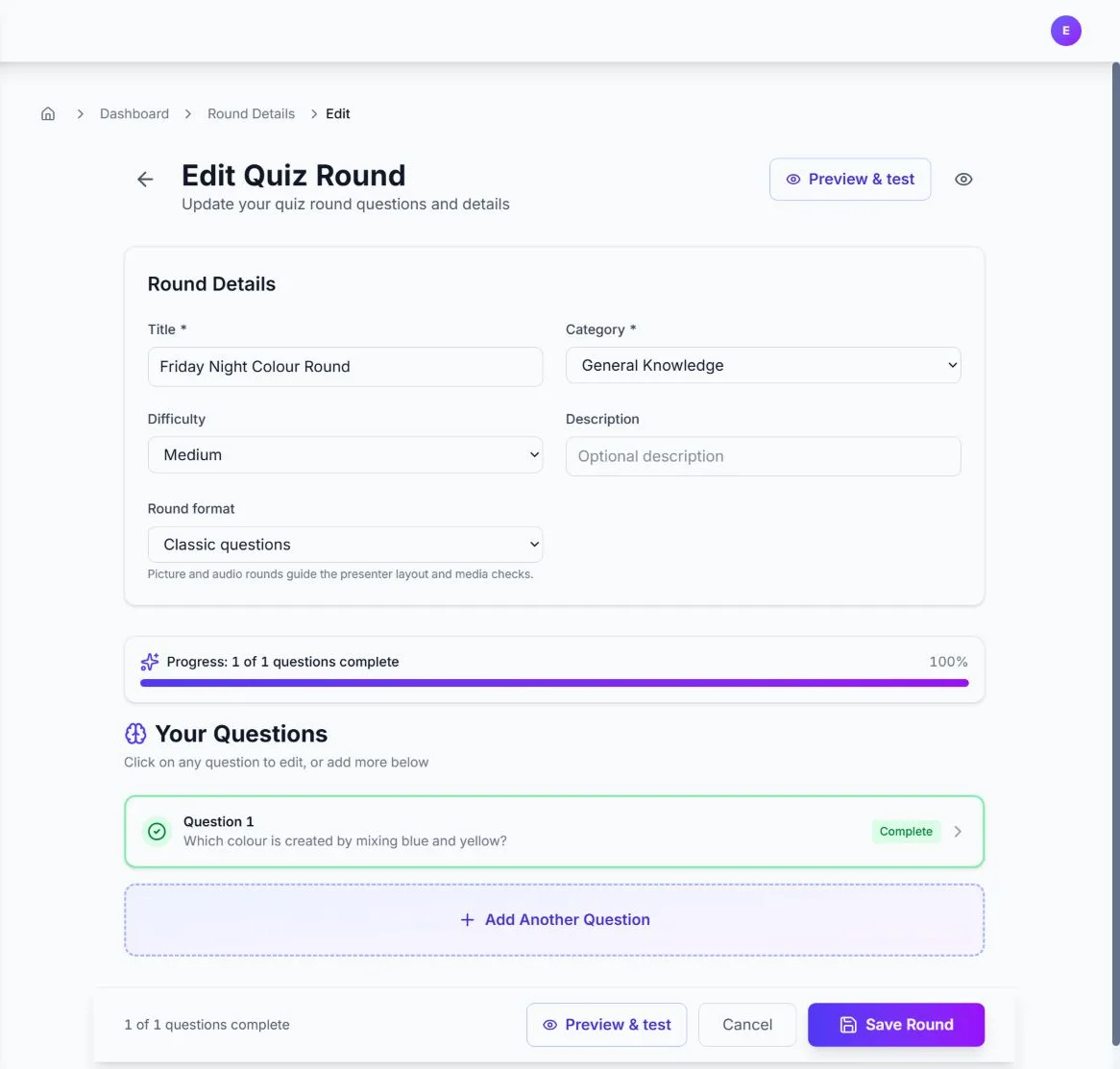
You can attach an image, audio clip, or video to any question in a round. The media is shown alongside the question on the presenter screen and to players when the question is active. This is ideal for picture rounds, music rounds, or video-based questions.
How to add media to a question
- Go to Rounds and open the round you want to edit (or create one).
- Click Edit on the round.
- Expand the question you want to add media to (click the question row).
- In the Media (image, audio, or video) section, click Upload image, audio or video.
- Choose a file. Supported formats include common image types (e.g. PNG, JPEG, WebP), audio (e.g. MP3, WAV), and video (e.g. MP4). Images are limited to 2MB; audio and video are limited to 4MB.
- Save the round when you're done. The media will appear with the question when you run the quiz.
To remove media from a question, expand the question and click the remove (X) button next to the attached media.
Images
Audio
Video
Event branding (waiting screen logo)
On paid plans you can upload a logo that appears on the Waiting to start screen of the presenter view. This lets you show your organisation or event branding while participants join.
How to add your logo
Steps
- Open your event from the dashboard (click the event title).
- In the sidebar, find the Waiting screen logo card.
- Click Upload logo and choose an image file (PNG, JPEG, WebP, or SVG). Maximum size is 2MB.
- Your logo will appear on the presenter's "Waiting to start" view. You can change or remove it at any time from the same event page.
The logo is displayed above the "WAITING TO START" title when you open the presenter view before the quiz has started. Only one logo per event is supported.
Responsibility for content
You are responsible for all content you upload (including quiz text, images, audio, video, and logos). Make sure you have the right to use it and that it does not infringe others' rights or our Terms of Service. We may remove content that violates our policies and may suspend or ban accounts that misuse the service.
Need more?
To upgrade your plan for media and branding, visit Pricing. For other feature guides, see Features & Usage.