Getting Started
Invite players and teams
Share the right link, code or QR image and get everyone into the same event.
4 min read
Checked 7 September 2026
Find the joining details
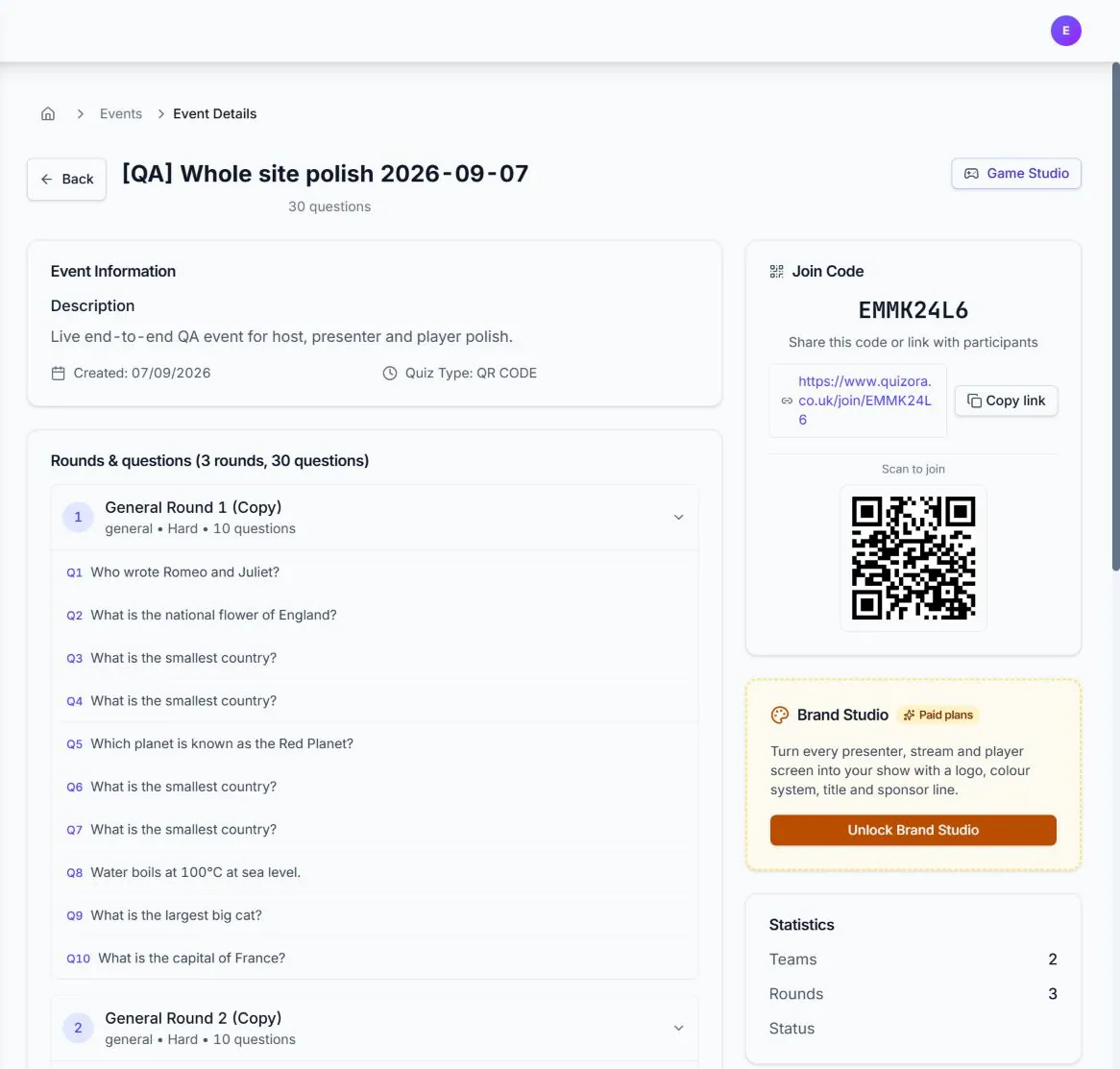
Publish the event, then open its management page. The How to join panel contains the event code, direct link and QR code.
Choose the easiest invitation
- QR code: best on a presenter screen or printed table card.
- Direct link: best for email, chat or social messages.
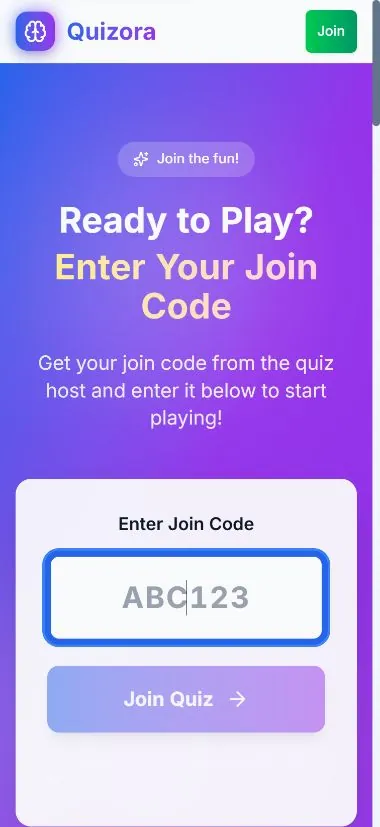
- Join code: best when players open the Quizora join page themselves.
Players choose a team name and join in their browser. They do not need to install an app or create a player account.