Troubleshooting
Participant joining and recovery
Resolve invalid codes, duplicate team names, lost connections and missing submissions.
5 min read
Checked 7 September 2026
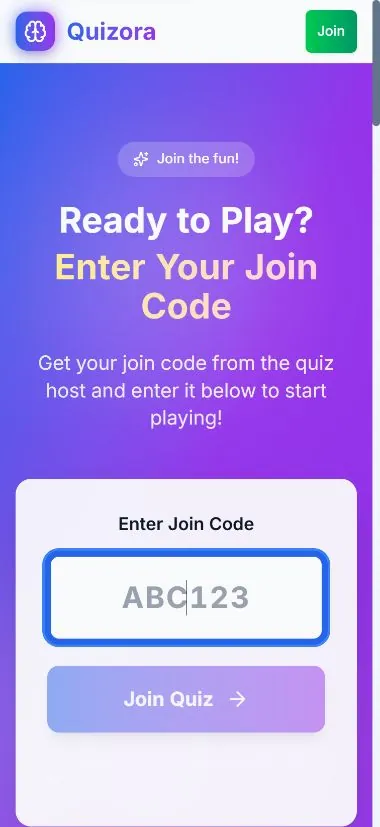
Players cannot join
- Confirm the event is published and the join code shown on the current event page.
- Use the direct join link or QR code to remove typing errors.
- Ask the player to use a current browser with cookies and JavaScript enabled.
- If a name is already in use, confirm whether the original team is reconnecting or choose a unique name.
A player disconnects
Ask them to reload the same browser first. If that does not recover the session, reopen the event join link and follow the on-screen reconnect or join steps. The host should pause progression until the player is visible again.
An answer is missing or wrong
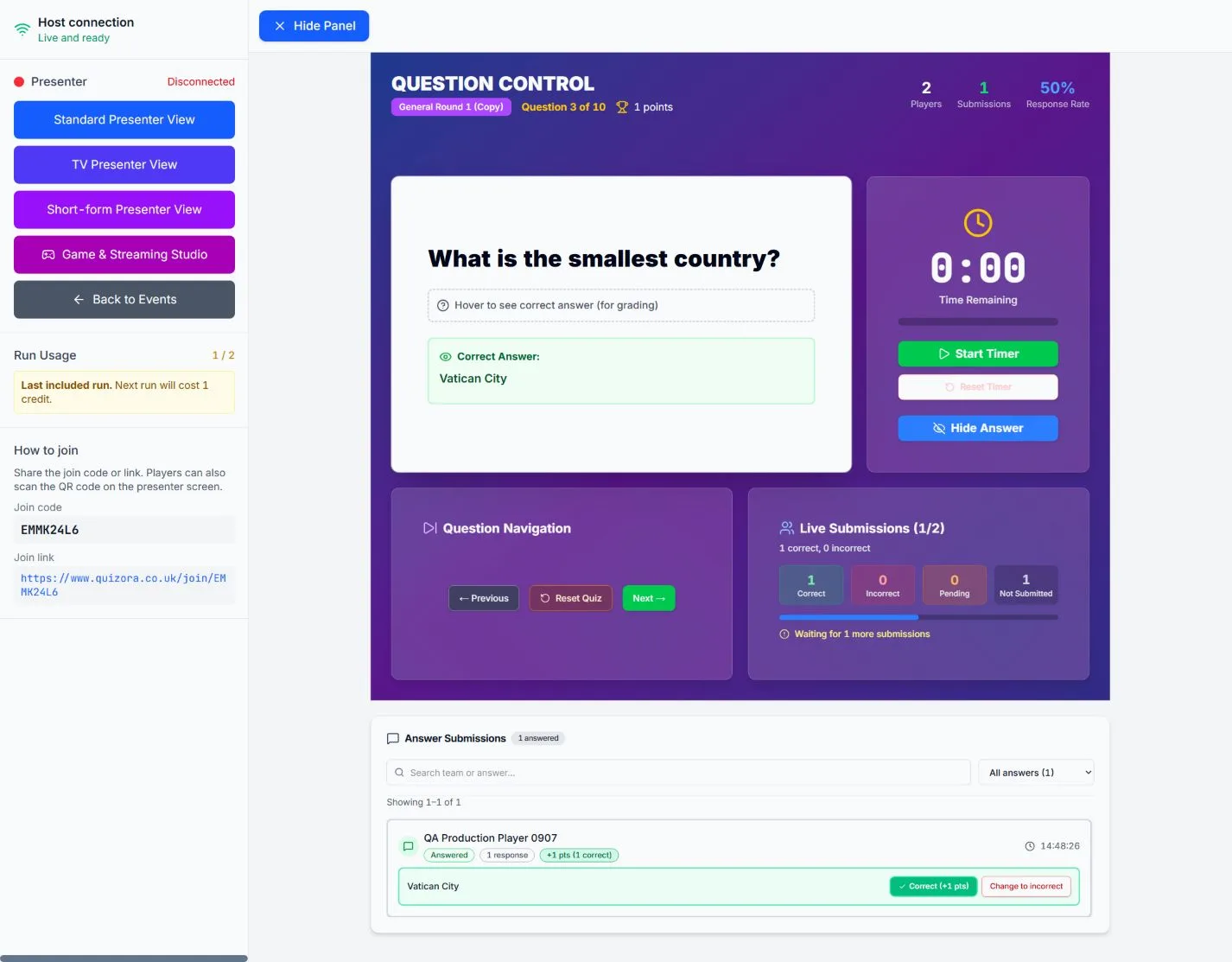
The host console separates submitted and not-submitted players. Keep a verbal or paper backup for a disconnected team, then use the host marking controls to correct the result before moving on.