Troubleshooting
Performance and large-audience checks
Prepare the venue and browser setup for a responsive live event, including audiences of 100 or more.
6 min read
Checked 13 October 2026
Rehearse the real setup
Plan limits allow up to 100 teams per event on Free, 500 on pay as you go and 1,000 on Pro. Network quality and devices also affect the live experience. Test from the venue at the planned time with representative devices and contact support before a large event.
Recommended setup
- Use wired internet for the host and streaming computer where possible.
- Keep host, presenter and player roles in separate browser tabs or devices.
- Close unused video calls, uploads and downloads on the host network.
- Open the presenter before players join and confirm the connection indicator.
- For YouTube or TikTok, rehearse the exact capture resolution, orientation and audio path.
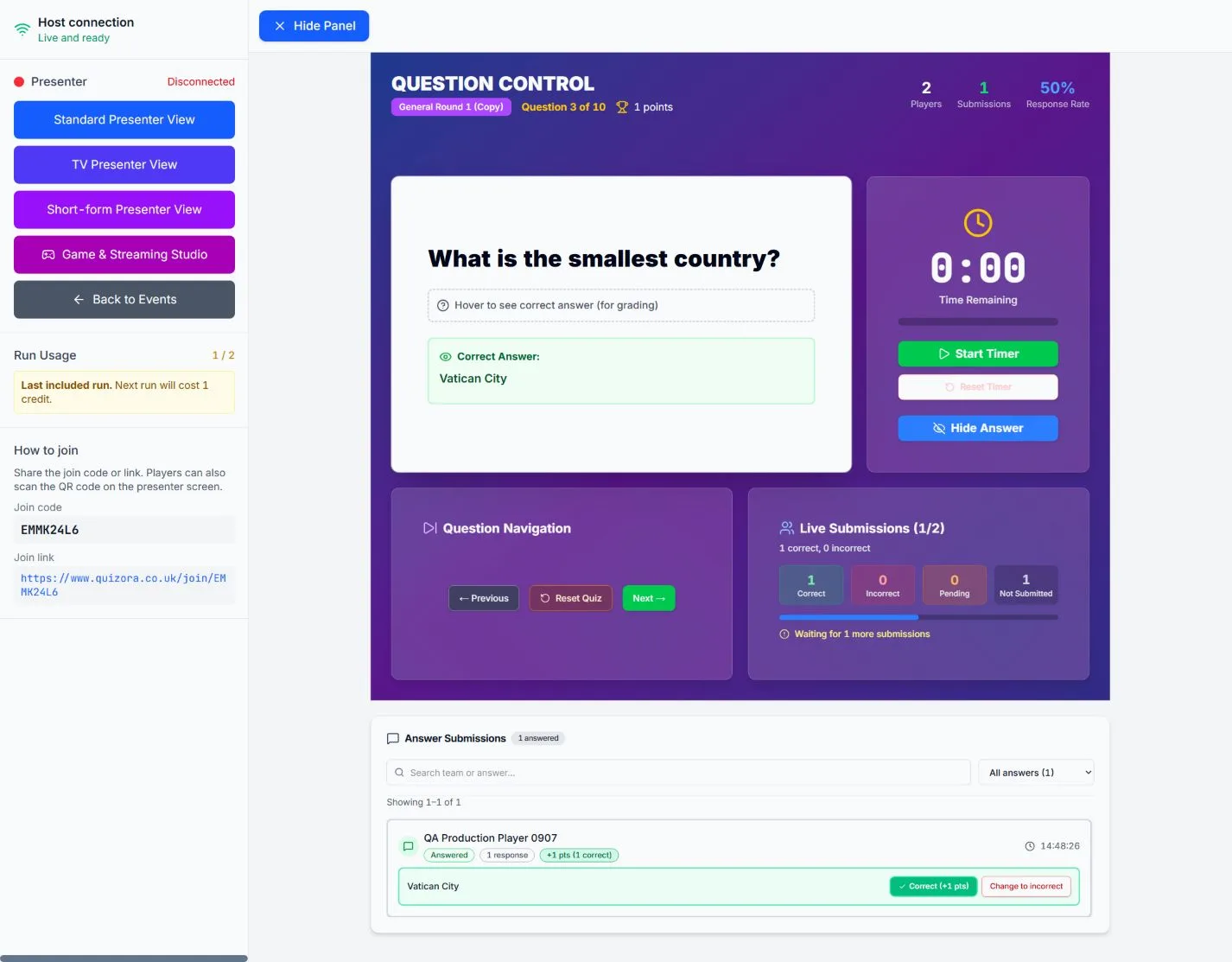
During the event
Wait for the submission counters to settle before advancing. If updates stall, pause, check whether the issue affects one device or the whole room, and refresh the affected view first. Avoid opening multiple host controllers for the same event.