Features & Usage
Advanced quiz settings
Tune marking, pace and presentation without making the live event harder to run.
6 min read
Checked 7 September 2026
Configure the answer, not just the question
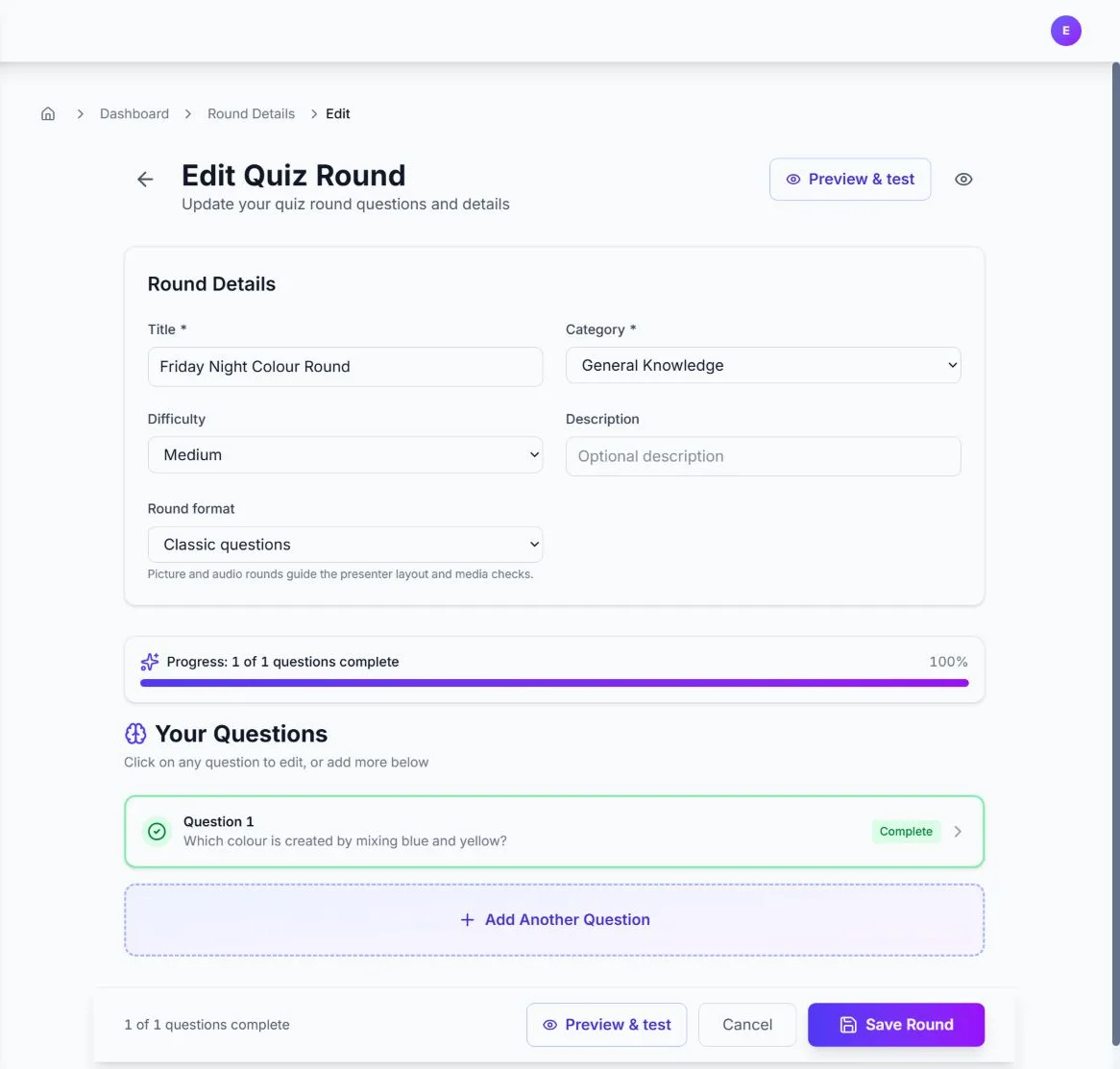
In the round editor, set points, accepted aliases, numeric tolerance, option sets, sequences or matching pairs. The available controls follow the selected question type.
Choose an event style
The Quiz Format step offers eight styles: Classic Trivia, Closest Wins, Ordering Challenge, Connections, Buzzer Battle, Wager Round, Survey Says and Raffle Draw. Treat the style as the rules and tone for the event, then add compatible questions to the rounds.
Control the live pace
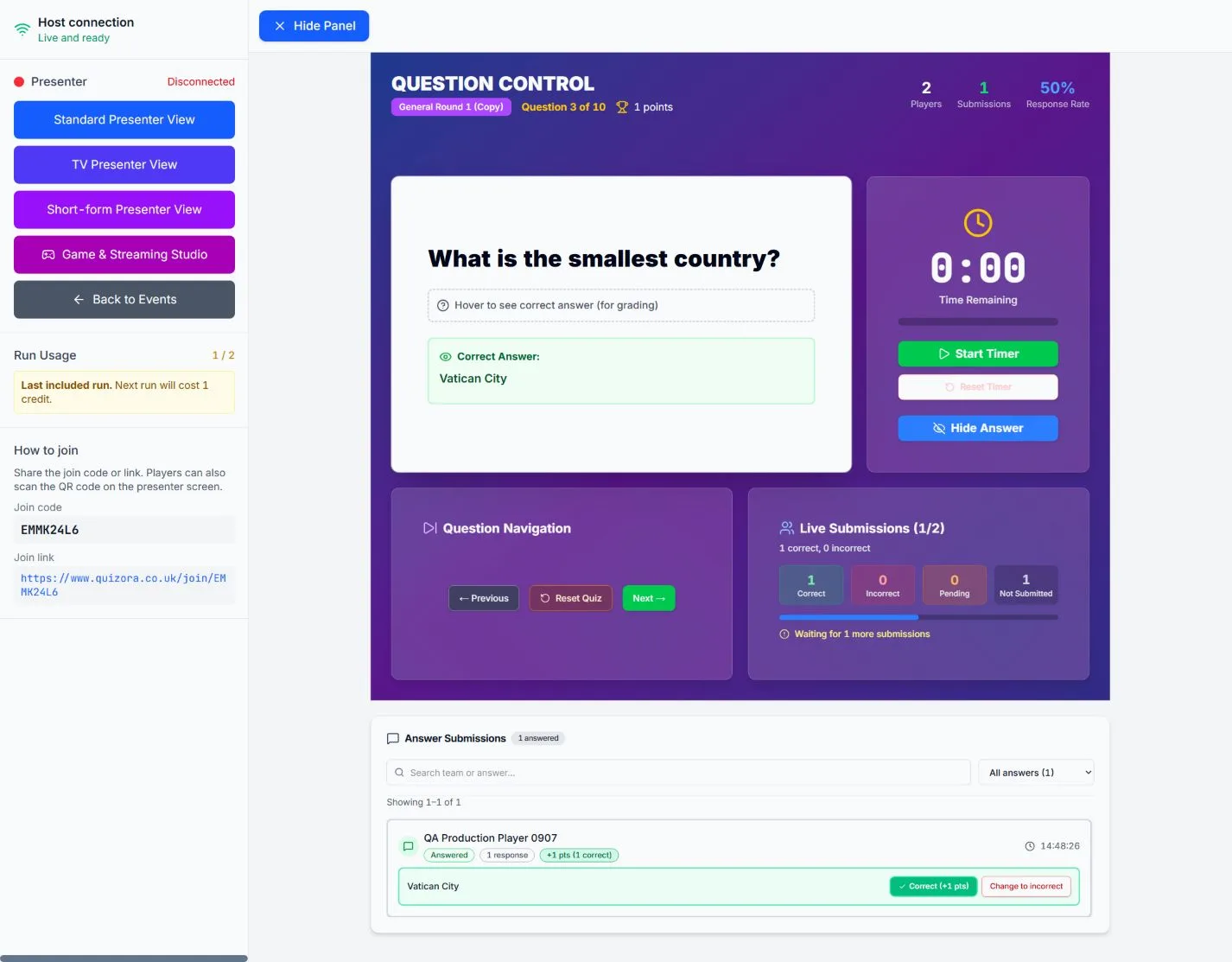
The host console owns the timer, answer reveal and question navigation. Rehearse with the exact presenter mode you plan to use and check that explanations fit the screen.
For the marking rules, see Question types and scoring.