Hosting & Events
Team registration and room setup
Set expectations for team names, devices and joining before the first question.
5 min read
Checked 7 September 2026
One joining device per team
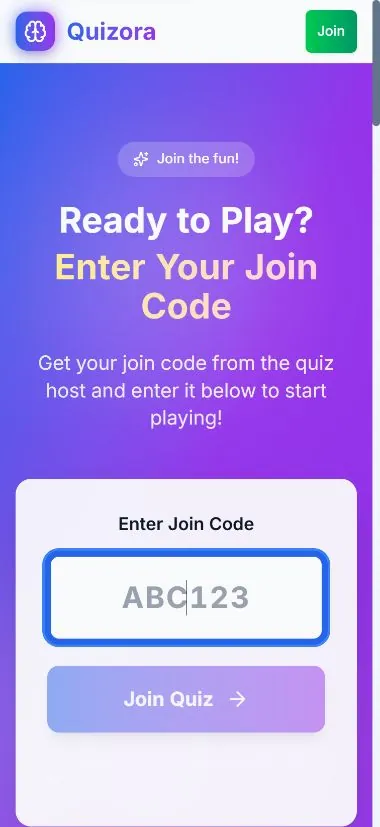
For Teams on phones, each team joins from the browser on the device it will use to answer. Ask teams to choose short, distinct names that remain readable on the leaderboard.
Host checks
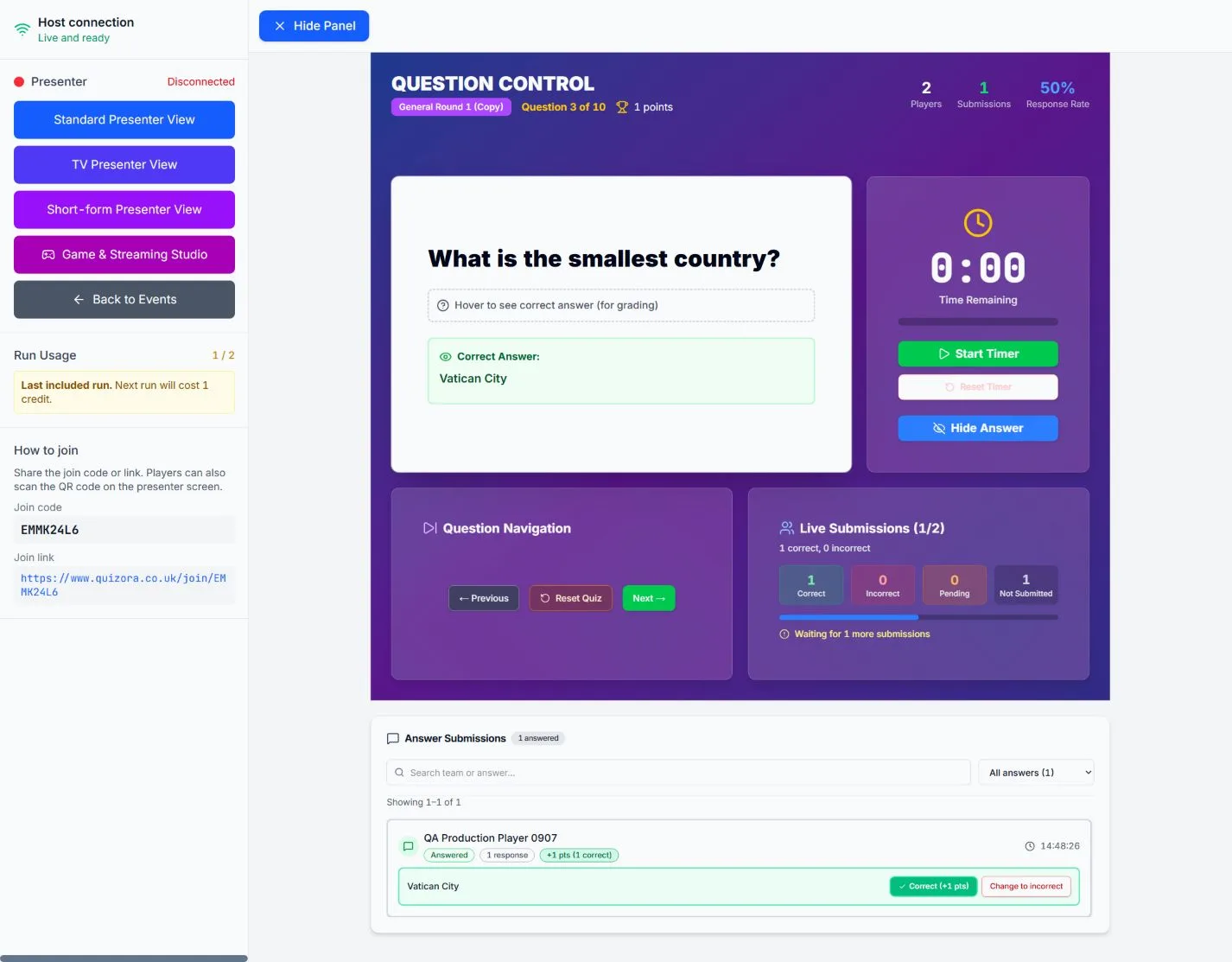
- Confirm every expected team appears before starting.
- Resolve duplicate or inappropriate names while the room is waiting.
- Explain that only the team device should submit an answer.
- Keep the join code visible for late arrivals until your rules close entry.
For removal and re-entry controls, see Kick, ban and host controls.