Quiz formats, game styles and question types
Choose the right room format, scoring style and question interaction for your event.
Quizora is host-led: the host controls pace, answer reveals and progression. It does not currently offer an asynchronous self-paced mode.
Live event formats
- Presenter only
- Use a large presenter display while teams answer on paper. Best when you want a traditional room quiz without player devices.
- Teams on phones
- Teams join with a code or QR link and answer in their mobile browser. Objective answers can be scored automatically and the leaderboard updates live.
- Fastest Finger First
- Players answer on devices and response speed can contribute a bonus. Use it for shorter, high-energy competition.
Game styles
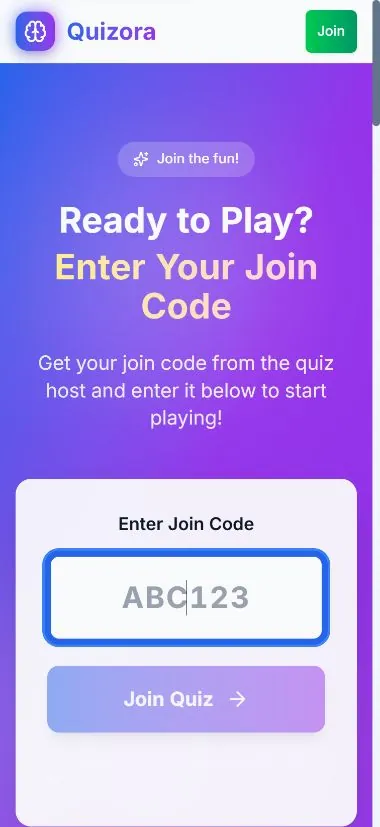
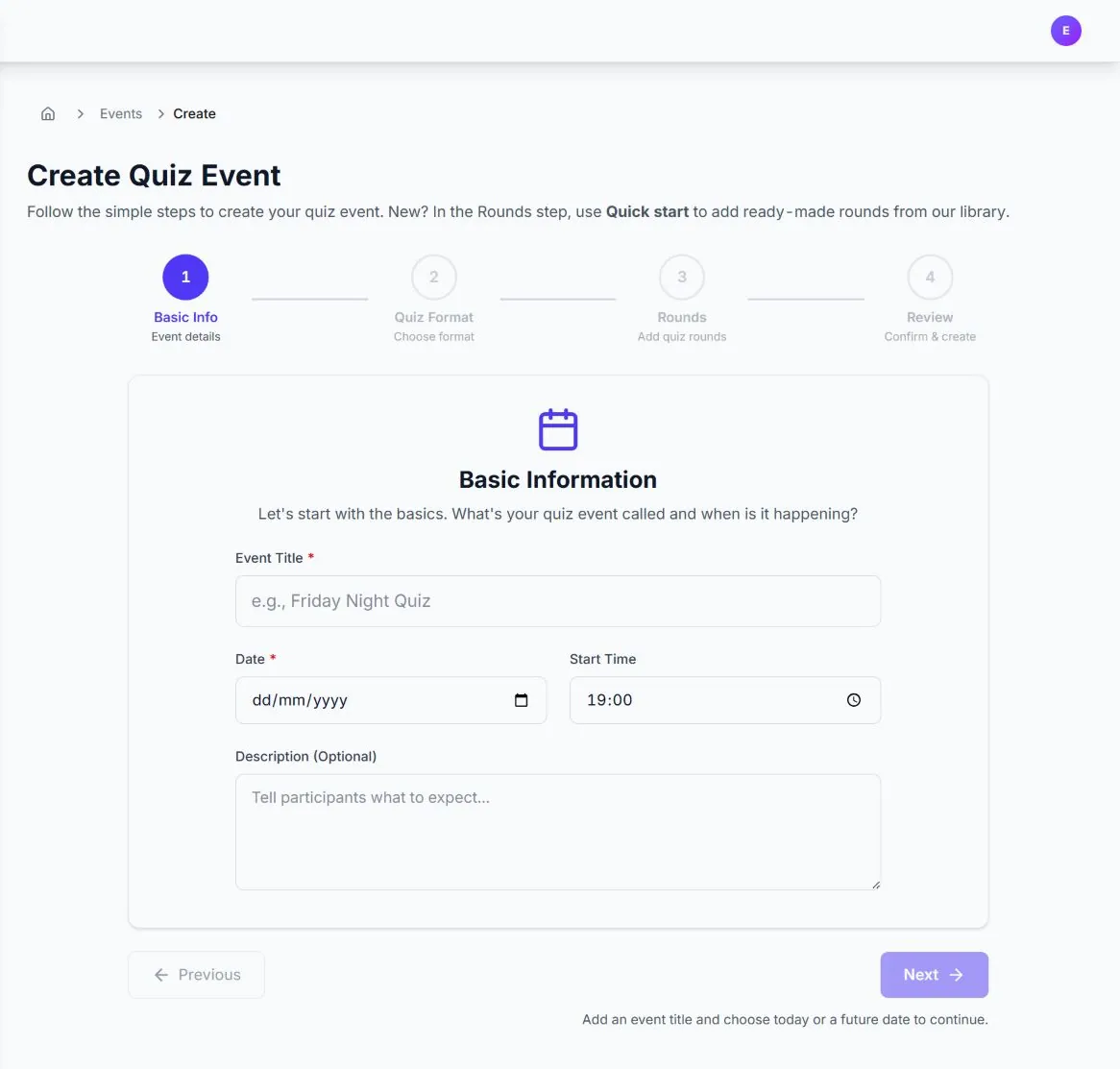
During event setup you can choose Classic Trivia, Closest Wins, Ordering Challenge, Connections, Buzzer Battle, Wager Round, Survey Says or Raffle Draw. The style sets the tone and suggested rules; the questions in your rounds determine the actual answer controls.
Question types
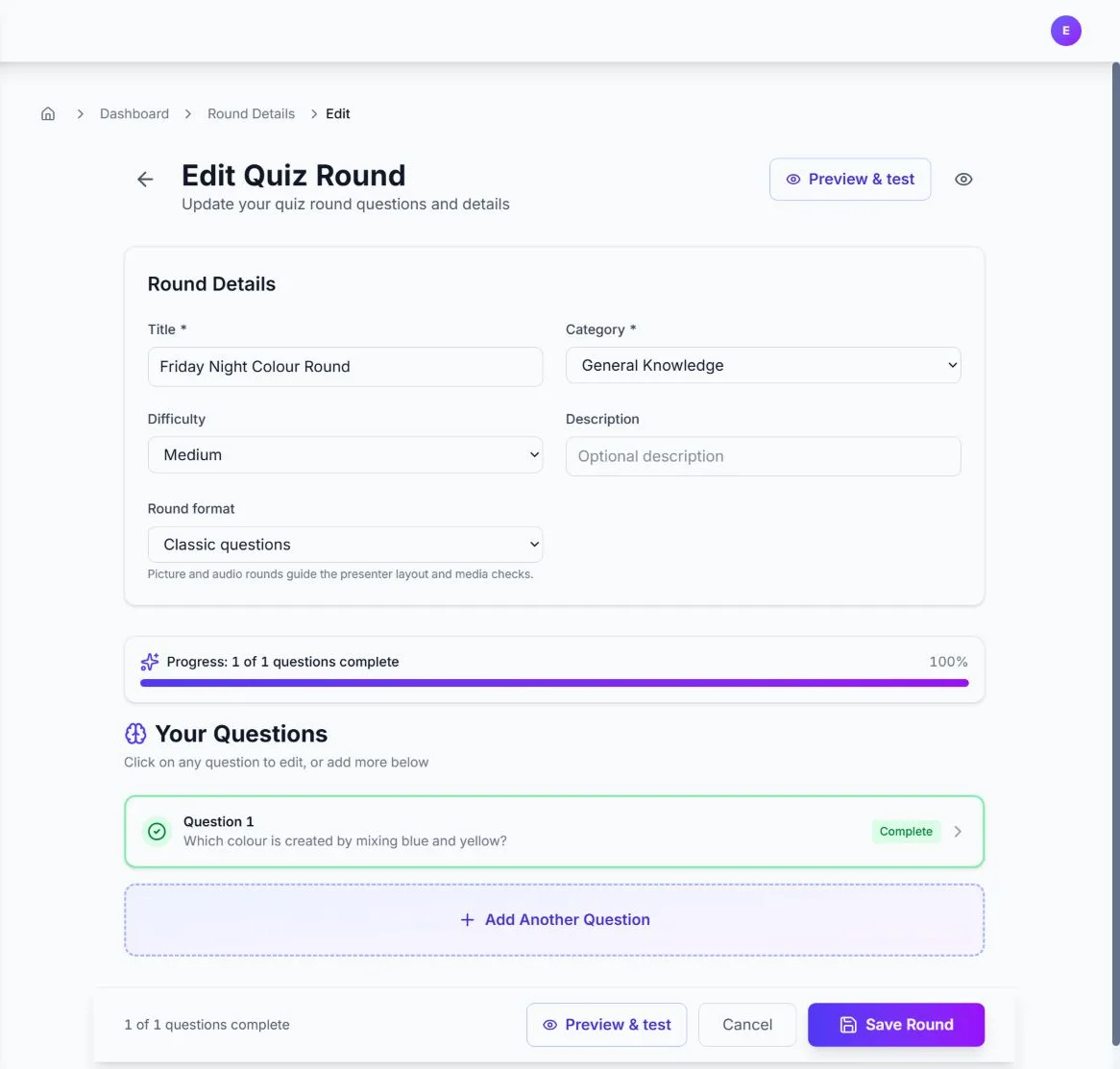
- Short text: typed answers with optional accepted aliases; ambiguous entries can be reviewed by the host.
- Multiple choice and true/false: one objective answer, scored automatically.
- Multiple select: players must choose the complete correct set.
- Numeric: exact answers or a configured tolerance; Closest Wins can be adjudicated by distance.
- Ordering: place every item in the correct sequence.
- Matching: match each left-hand item to its correct pair.
- Buzzer: capture who buzzed first, with the host controlling the outcome.
How scoring behaves
Objective types compare the submitted answer with the configured correct answer. Text matching ignores letter case, normalises common punctuation and whitespace, and supports aliases. Multiple-select answers must match the complete set; ordering and matching must match every position or pair. Speed bonuses and incorrect-answer penalties apply only when enabled by the format or event configuration.
Ready to build? Follow the first quiz walkthrough or read the detailed question-type guide.