Using AI to Generate Questions
Master AI question generation with advanced prompts, customization options, and best practices for creating engaging quiz content.
What is AI Question Generation?
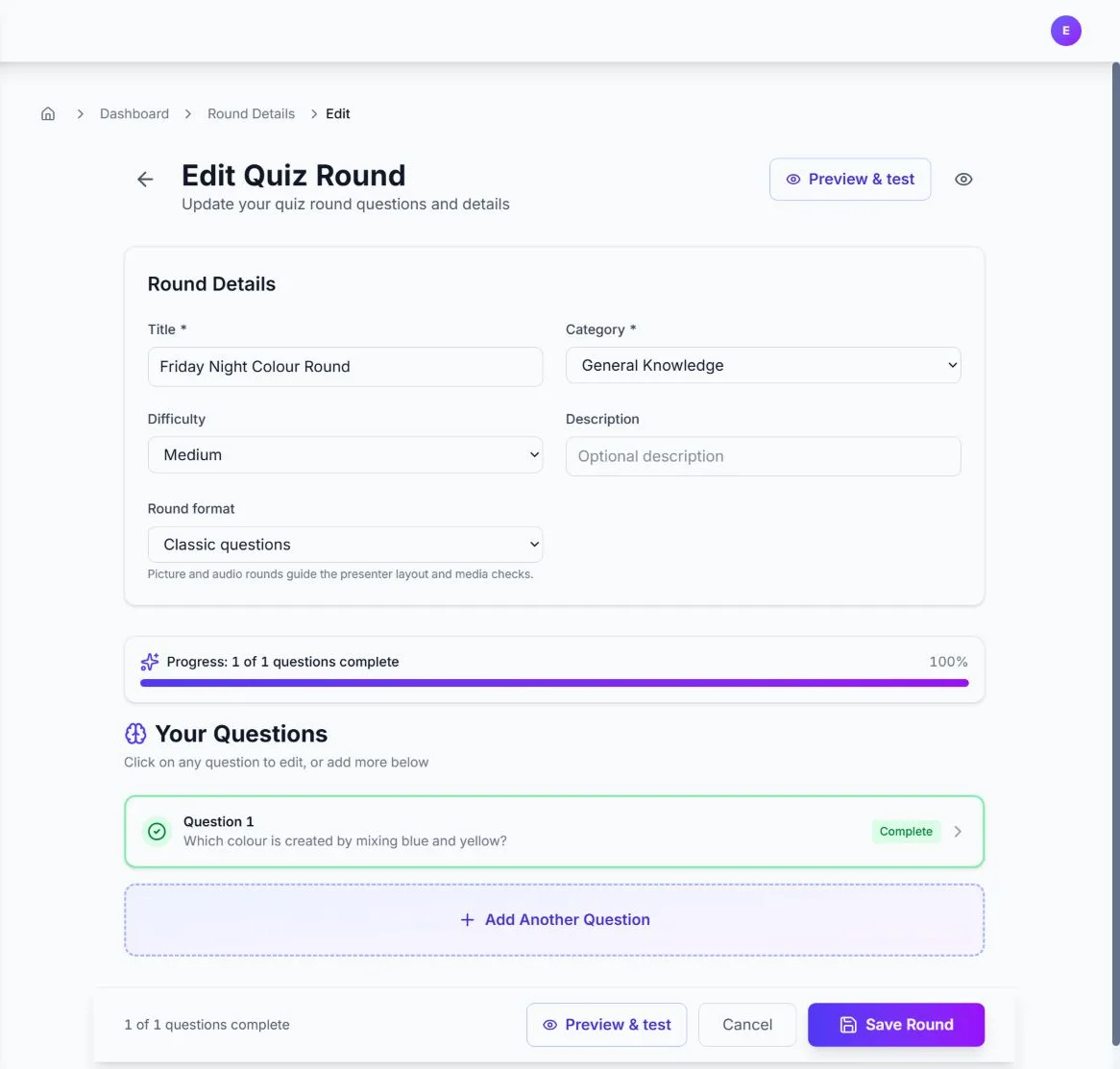
Quizora's AI-powered question generator uses advanced language models to create engaging, relevant quiz questions based on your topics and preferences. This feature saves time while ensuring high-quality content for your quizzes.
Getting Started with AI Generation
Access AI question generation when creating or editing a quiz:
Quick Start Steps
- Navigate to your quiz editor or create a new quiz
- Click "Generate with AI" button
- Enter your topic and preferences
- Review and customize generated questions
- Add questions to your quiz
Writing Effective Prompts
The quality of your AI-generated questions depends heavily on how you describe your topic:
Good Prompts
"World War II battles in the Pacific Theater"
"Basic algebra for 8th grade students, focusing on linear equations"
"Digital marketing strategies for small businesses in 2024"
Avoid These
"History" or "Science"
"Everything about computers"
"Math problems"
Customization Options
Fine-tune your AI generation with these settings:
Difficulty Level
Beginner
Basic concepts, simple language
Intermediate
Moderate complexity, some expertise
Advanced
Expert level, technical details
Question Types
Multiple Choice
- • 2-6 answer options
- • Single or multiple correct answers
- • Most versatile format
True/False
- • Simple binary choice
- • Great for fact checking
- • Quick to answer
Advanced Prompt Techniques
Use these techniques to get better results from AI generation:
Pro Tips
Specify Audience
"Create questions about renewable energy for high school environmental science students"
Include Context
"Questions about customer service best practices for retail employees during busy holiday seasons"
Set Constraints
"Focus on events between 1960-1980, avoid questions requiring specific dates"
Request Variety
"Mix of factual recall, application, and analysis questions about project management"
Reviewing and Editing Generated Questions
Always review AI-generated content before using it in your quiz:
Quality Checklist
- Question is clear and unambiguous
- Correct answer is definitively right
- Wrong answers are plausible but incorrect
- Difficulty matches your target audience
- Content is factually accurate
Common Edits
- • Simplify complex language
- • Add context for clarity
- • Adjust difficulty level
- • Fix factual errors
- • Improve answer options
- • Add explanations
Credit Management
Make the most of your AI generation credits:
Credit Usage Tips
Efficient Generation
- • Generate in batches of 10-20 questions
- • Use specific prompts to reduce regeneration
- • Review and edit instead of regenerating
- • Save good prompts for future use
Credit Plans
- • Free: Limited AI generation
- • Pay as you go: £3 per event with AI
- • Monthly: Unlimited AI generation
- • Check your balance before large generations
Troubleshooting Common Issues
Solutions to frequent AI generation problems:
Questions Are Too Easy/Hard
Solution: Adjust the difficulty setting and be more specific about your audience level.
Example: "Intermediate JavaScript concepts for developers with 1-2 years experience"
Questions Are Off-Topic
Solution: Use more specific prompts and add constraints to focus the AI.
Example: "Only questions about photosynthesis in plants, no animal biology"
Generation Failed or Slow
Solutions: Check your internet connection, verify credit balance, try a simpler prompt.
If issues persist, contact support.
Next Steps
Ready to create amazing AI-generated questions? Here are some related guides: